
BuildUI/UX Design
UI/UX design that feels obvious to use.
We work out what your users are trying to do, sketch the simplest way to get there, and turn it into screens that look sharp and are ready for developers to build.
- Wireframes first
- Clickable prototype
- Developer-ready files
Free design quote
Reply within one working day. No commitment.
- Designs you own and can edit
- Figma
- Quote before work starts
- Fixed
- Support after launch
- 30 days
Try it
From rough wireframe to finished screen.
We agree the structure in plain boxes first, then add your brand. Drag the handle to see the same screen before and after.
Sample screen for a class-booking app. Use the arrow keys if you prefer the keyboard.
Our work
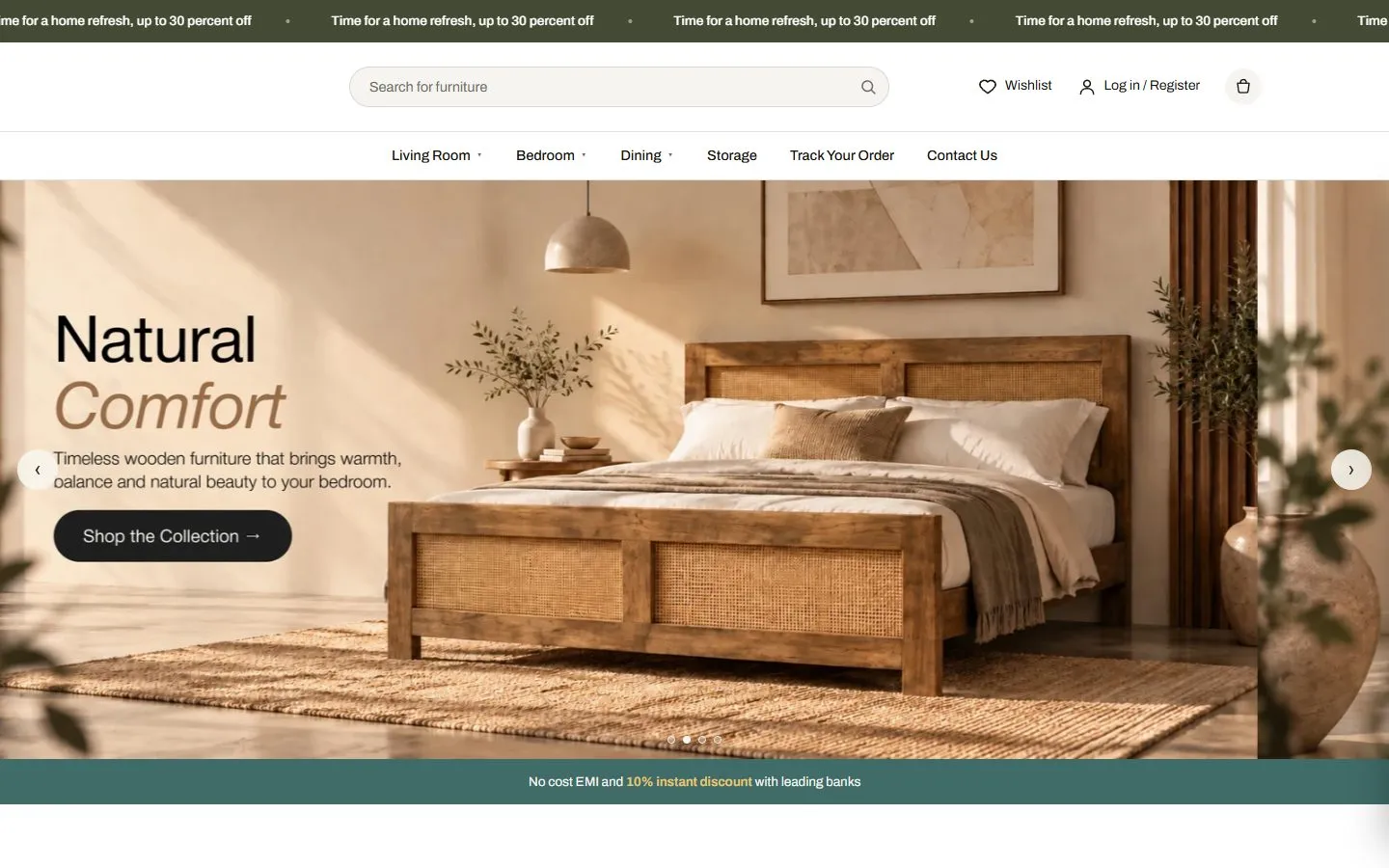
Interfaces we designed and shipped.
Each of these started as wireframes. Hover to pause, then open one.
What you get
What you get at handover.
- 01
User flows
The key journeys mapped step by step, so nothing important is missed.
- 02
Wireframes
Simple black-and-white layouts to agree structure before any colour is added.
- 03
Polished screens
Every screen designed in your brand, for phone and desktop.
- 04
Clickable prototype
Tap through the product in Figma and test it with real users before building.
- 05
Design system
Colours, type, buttons and components documented so the product stays consistent.
- 06
Developer handoff
Specs, assets and notes prepared so developers build exactly what was designed.
How it works
From messy idea to clear screens.
- Step 1
Understand
We learn who your users are and what they need to get done.
- Step 2
Wireframe
We sketch flows and layouts, and change them quickly with your feedback.
- Step 3
Design
We turn approved wireframes into finished screens and a prototype.
- Step 4
Hand over
Developers get organised files and we stay available for questions.
Your options
Why businesses pick us to build it.
| Feature | Trinetrix360 | Freelancers | Big agencies |
|---|---|---|---|
| Custom design, no templates | Yes | Sometimes | Yes |
| Fixed quote before work starts | Yes | Sometimes | Yes |
| You can edit it yourself after launch | Yes | Partly | Yes |
| Speed and phone checks before launch | Yes | No | Sometimes |
| Design, build and marketing in one team | Yes | No | Often split |
| Support after launch | 30 days | No | Paid extra |
| Cost | Fair, fixed | Low, variable | 3–5× higher |
01What is the difference between UI and UX?
UX is how the product works: the steps, structure and wording. UI is how it looks: colours, type and spacing. We do both together so they fit.
02Can you build it after designing it?
Yes. Our developers can build the designs, or we hand over to your own team.
03Can you redesign only part of our product?
Yes. We often start with the screens that matter most, such as onboarding or checkout, and extend from there.
04Do we own the code and design?
Yes. The code, design files and accounts are yours from the day we hand over. No lock-in and no licence fees to us.
05What happens after launch?
You get 30 days of support to fix anything and make small changes. After that we offer monthly care plans or hourly help, whichever suits you.
More build services
Whatever you need built, one team builds it.
Have a product that should be easier to use?
Show us what you have and get a fixed quote and timeline.