
ShopifyConvert Any Figma to Shopify
Your Figma design, live on Shopify, pixel for pixel.
Send us the Figma file. We turn every frame into clean, editable Shopify sections that match your design on desktop, tablet and phone.
- Pixel-perfect
- Editable sections
- Every screen size
Free conversion quote
Reply within one working day. No commitment.
- Match with your design
- 1:1
- Screen sizes checked
- 4
- Support after launch
- 30 days
Our Shopify work
From design to live store.
Drag the handle to compare the design view with the live store.

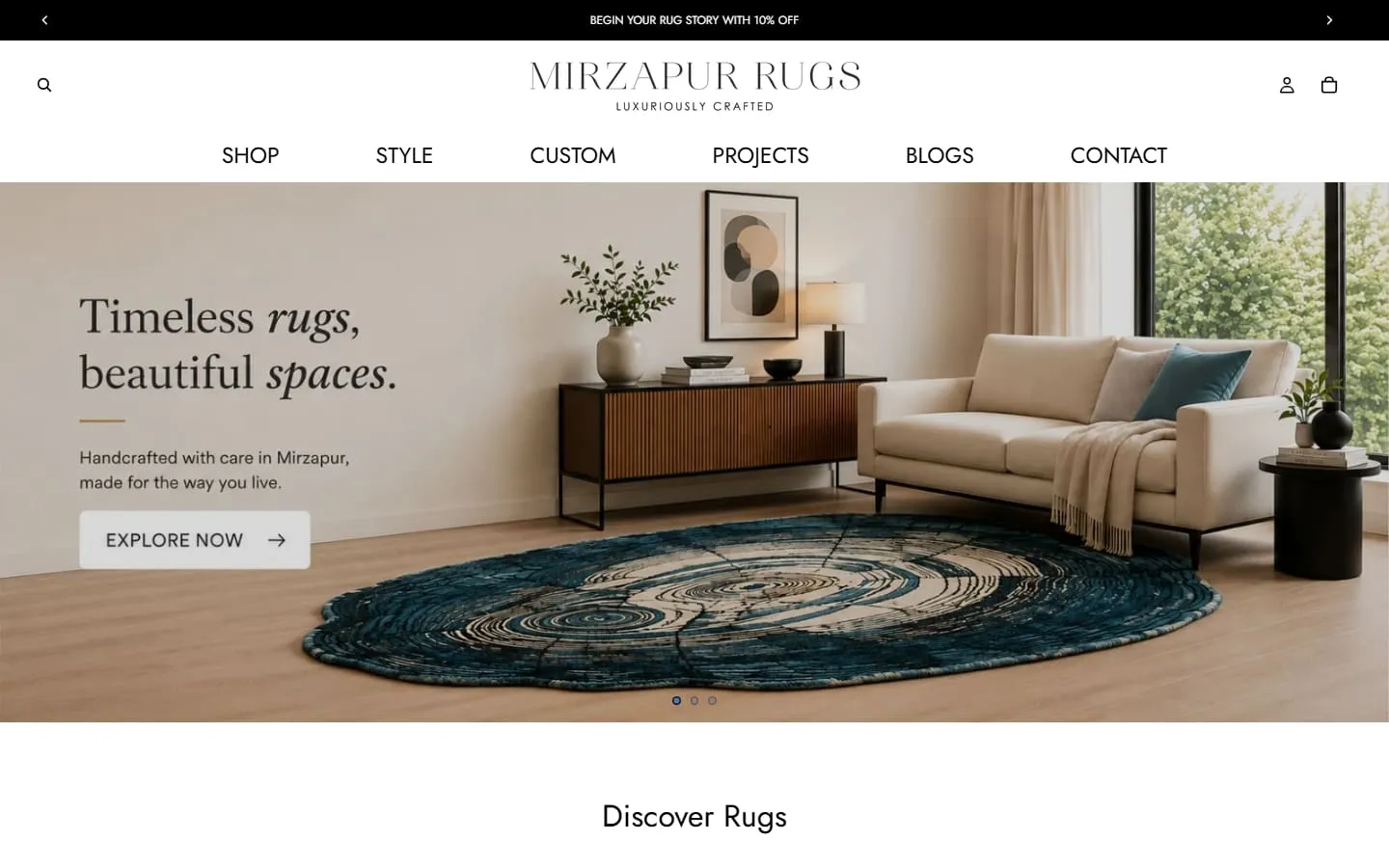

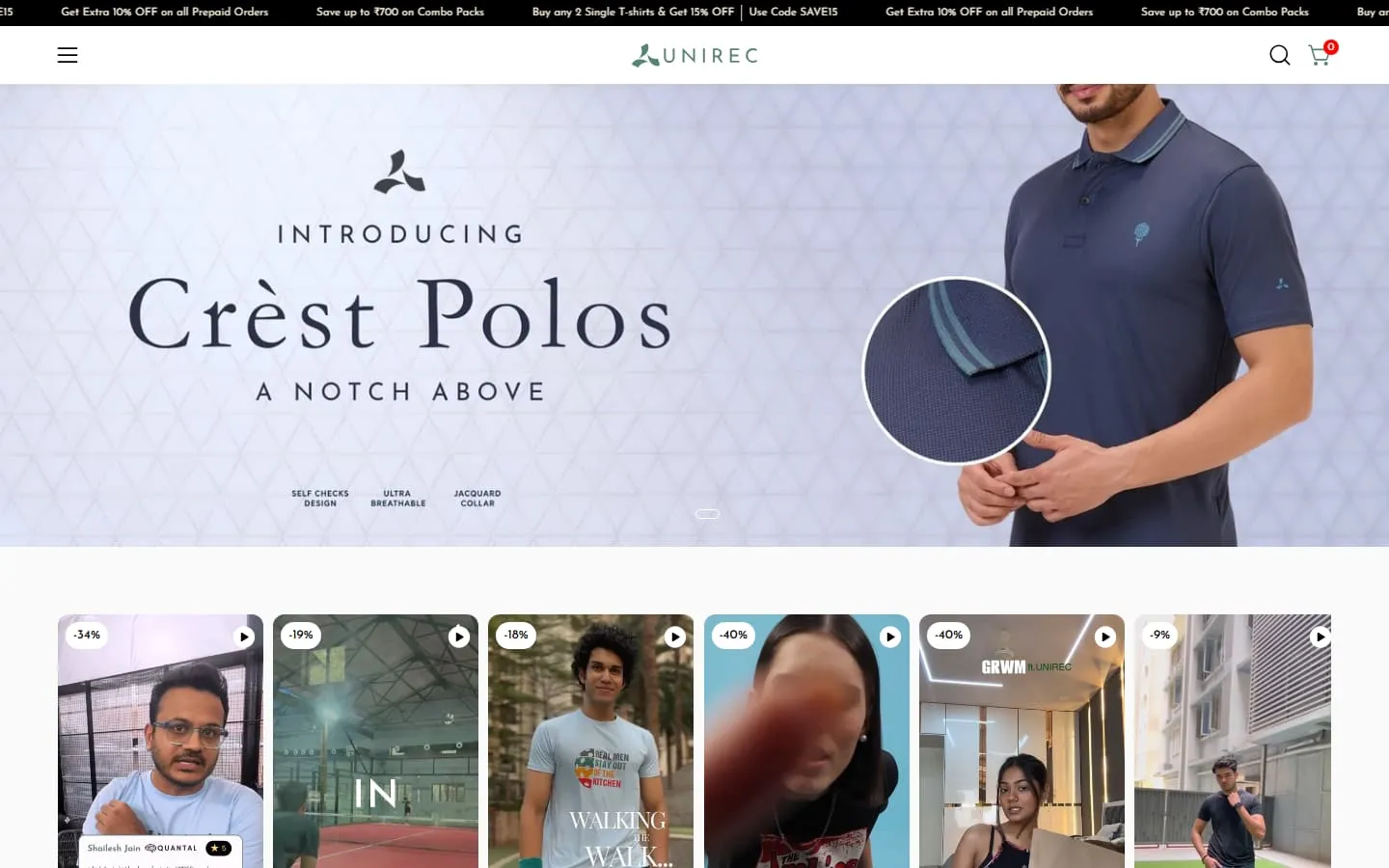

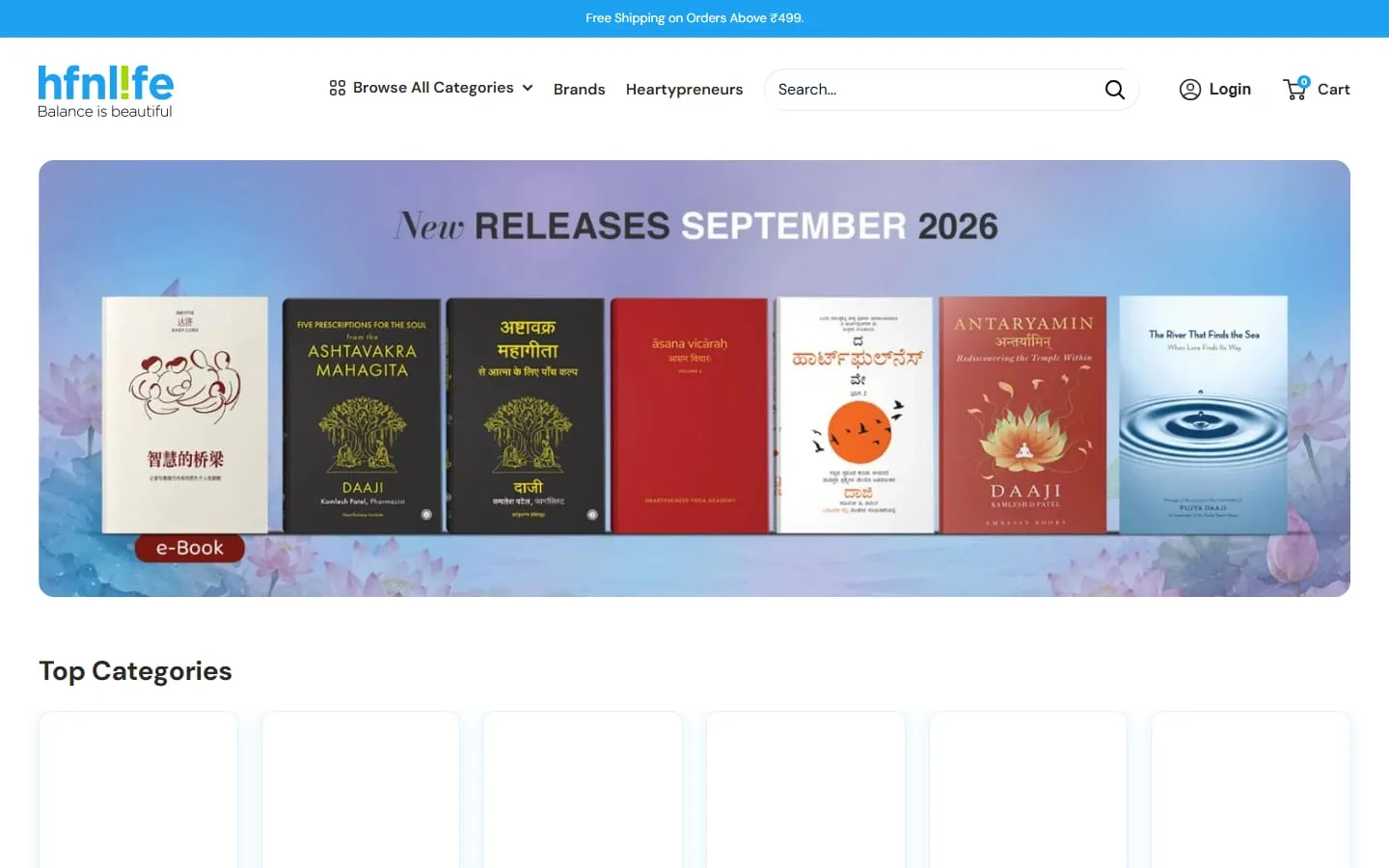
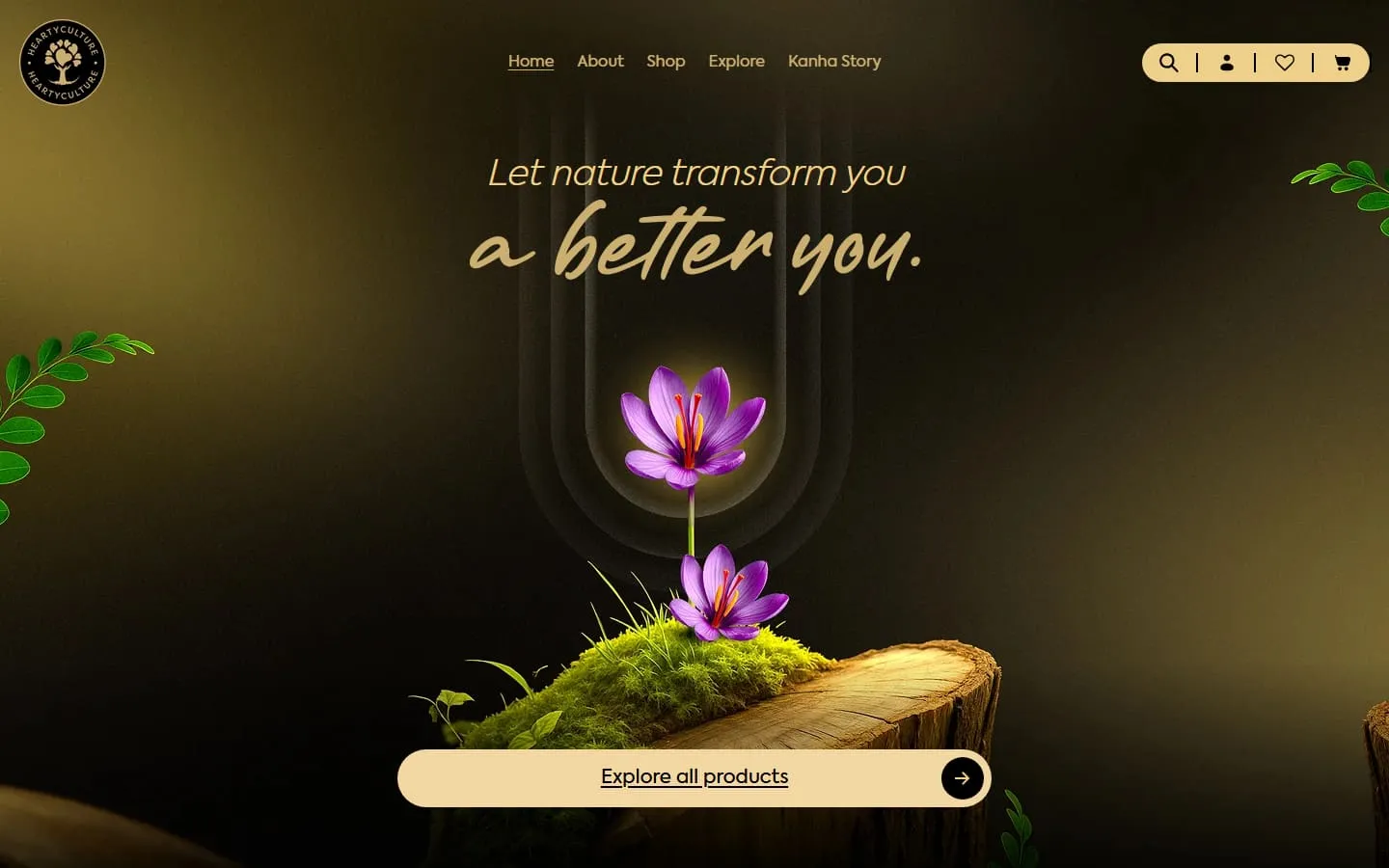
Layer to section
Every Figma layer becomes a section you can edit.
Your team changes text, images and order in Shopify’s theme editor. No code, no developer.
Layers
▾ # Home · 1440
- Header
- Hero / Desktop
- Collection grid
- Testimonials
- Newsletter
- Footer
Theme editor · Home page
- HeaderLogo, menu, announcement
header.liquid - HeroImage, heading, button
hero-banner.liquid - Collection gridCollection, columns
featured-collection.liquid - TestimonialsQuotes as blocks
testimonials.liquid - NewsletterHeading, form
newsletter.liquid - FooterMenus, social links
footer.liquid
Every screen size
Checked at four sizes, not just yours.
We compare the build with your design at each of these widths, on real browsers and phones.

What you get
What you get from your Figma file.
- 01
Pixel-perfect build
Spacing, type, colours and effects measured from your file and checked with overlays.
- 02
Editable sections
Every block becomes a theme editor section with settings for text, images and colours.
- 03
All screen sizes
Checked at 1440, 1024, 768 and 375 pixels; we design missing sizes with you.
- 04
Interactions
Hover states, sliders and animations from your prototype, coded smoothly.
- 05
Fast by default
Optimised images, lean code and no page-builder bloat.
- 06
Clean handover
Your theme files, a walkthrough video and 30 days of support.
How it works
From handoff to launch.
- Day 1
Review the file
We check every frame and component and send a fixed quote.
- Week 1
Build sections
Design tokens set up first, then each section, with a preview link.
- Week 2
Overlay QA
Every page checked against your design at four screen sizes and in all browsers.
- Week 2–3
Launch
Published after your review, plus 30 days of support.
Your options
Why brands pick us for Shopify.
| Feature | Trinetrix360 | Freelancers | Big agencies |
|---|---|---|---|
| Custom design, no templates | Yes | Sometimes | Yes |
| Fixed quote before work starts | Yes | Sometimes | Yes |
| Editable in the theme editor | Yes | Partly | Yes |
| Speed checked before launch | Yes | No | Sometimes |
| Design, build and marketing in one team | Yes | No | Often split |
| Support after launch | 30 days | No | Paid extra |
| Cost | Fair, fixed | Low, variable | 3–5× higher |
01What if our Figma file only has desktop designs?
We design the tablet and mobile versions to match your style and send them for approval before building, so nothing is guessed.
02Do we need a finished design system?
No. We turn your colours, type and spacing into design tokens as we go. A tidy file with components just makes it faster.
03Can you build from Adobe XD, Sketch or a PDF?
Yes. Figma is fastest, but we can work from XD, Sketch or even detailed screenshots.
04Do we own the code and design?
Yes. The theme, code and design files are yours from the day we hand over. No lock-in and no licence fees to us.
05Can our team edit the store after launch?
Yes. Everything is built as Online Store 2.0 sections and blocks, so you can change text, images, products and the order of sections in the theme editor without code. We record a short walkthrough for your team.
06What happens after launch?
You get 30 days of support to fix anything and make small changes. After that we offer monthly care plans or hourly help, whichever suits you.
More Shopify services
Everything your store needs, under one roof.
Send us your Figma link, we’ll do the rest.
Get a fixed quote and timeline for your design within one working day.